
Description
Virtualization & System Tools
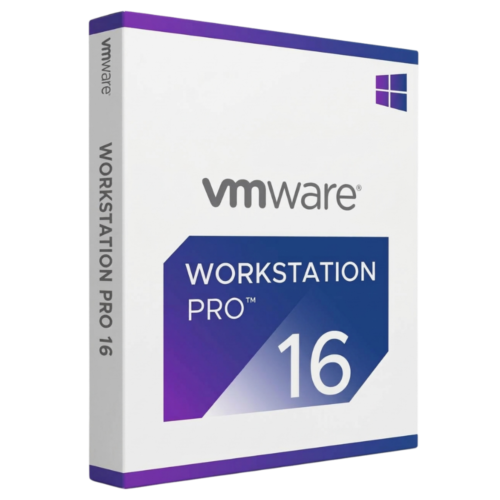
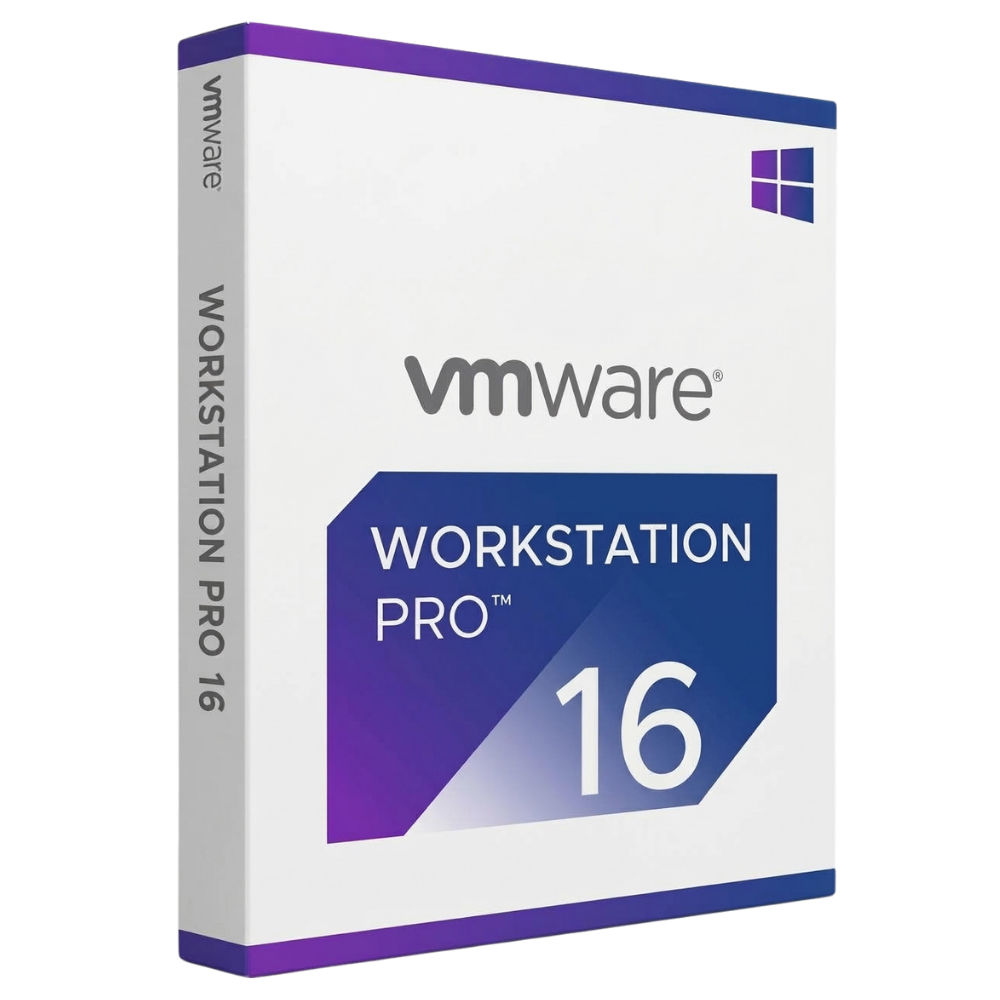
VMware Workstation 16 Pro Perpetual License
VMware Workstation 16 Pro is the market-leading desktop virtualization solution, allowing technical professionals and developers to run multiple operating systems on a single PC. Pay once, activate offline, and build isolated testing environments without recurring software subscription fees.
License
Lifetime Access
Supported Version
VMware 16 Pro (v16.2.5)
Device Limit
1 PC / User
Delivery
Instant, by email
High-Performance Desktop Virtualization
VMware Workstation 16 Pro delivers powerful features for software developers, IT admins, and tech enthusiasts. Run Linux, Windows, and specialized guest environments concurrently on host PCs with seamless network configuration and hardware passthrough.
Multi-OS Support
Guided ISO Wizard
Isolated Testing
Direct Local Activation
Guided ISO Wizard
Isolated Testing
Direct Local Activation
Please read before buying
This product key activates the VMware Workstation 16 Pro release cycle (up to version 16.2.5). This key is not valid for upgrading to major version releases such as Workstation 17 Pro and cannot be registered inside a personal online VMware cloud account. Activation is applied directly inside the installed desktop software.
Key Features
01
Multi-OS Desktop Execution
Run multiple operating systems concurrently, including Linux distributions, Windows Server, and client OS builds on a single physical workstation.
02
Beginner-Friendly Setup Wizard
Use the intuitive setup assistant to quickly create and configure virtual machines directly from ISO disk images with minimal manual configuration.
03
Isolated Sandbox Environments
Safely evaluate new software, test security patches, and build development environments without putting the host operating system at risk.
04
High-Performance Graphics
Includes support for DirectX 11 and OpenGL 4.1, delivering smooth graphics performance for virtualized applications and workloads.
05
Advanced Virtual Networking
Design and configure complex IPv4 and IPv6 virtual networks, custom NAT rules, and isolated network topologies for testing.
06
Snapshots & Clones
Save rollback points using snapshots and quickly duplicate virtual environments with full or linked clones to streamline development testing.
How It Works
1
Place your order
Complete checkout on DLkeys.
2
Receive your email
Your license key and official download link arrive instantly.
3
Install & activate
Follow the step-by-step setup guide for fast desktop deployment.
Frequently Asked Questions
Is this a subscription or a one-time purchase?
This is a one-time activation license. You pay once to install and use VMware Workstation 16 Pro permanently with zero recurring fees.
Can I upgrade to Workstation 17 Pro with this key?
No. This license is specifically for VMware Workstation 16 Pro (including updates up to version 16.2.5). Upgrading to major version releases like Workstation 17 Pro is not supported.
Can I store this key in my online VMware user account?
No. This license key activates the application directly on your desktop software and cannot be registered inside a cloud-hosted customer account.
Who supports installation and activation?
DLkeys provides step-by-step setup documentation and email technical support to ensure successful software activation.
Power your desktop virtualization today
Get your lifetime license for VMware Workstation 16 Pro from DLkeys and run multiple operating systems smoothly.
Questions before you buy? Write to Support@DLkeys.com
VMware and VMware Workstation Pro are registered trademarks of Broadcom / VMware Inc. DLkeys is an independent software reseller and is not affiliated with, endorsed by, or sponsored by VMware Inc.