
Description
Virtualization & System Tools
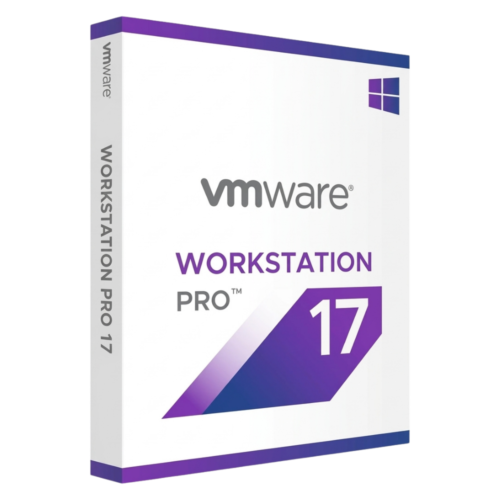
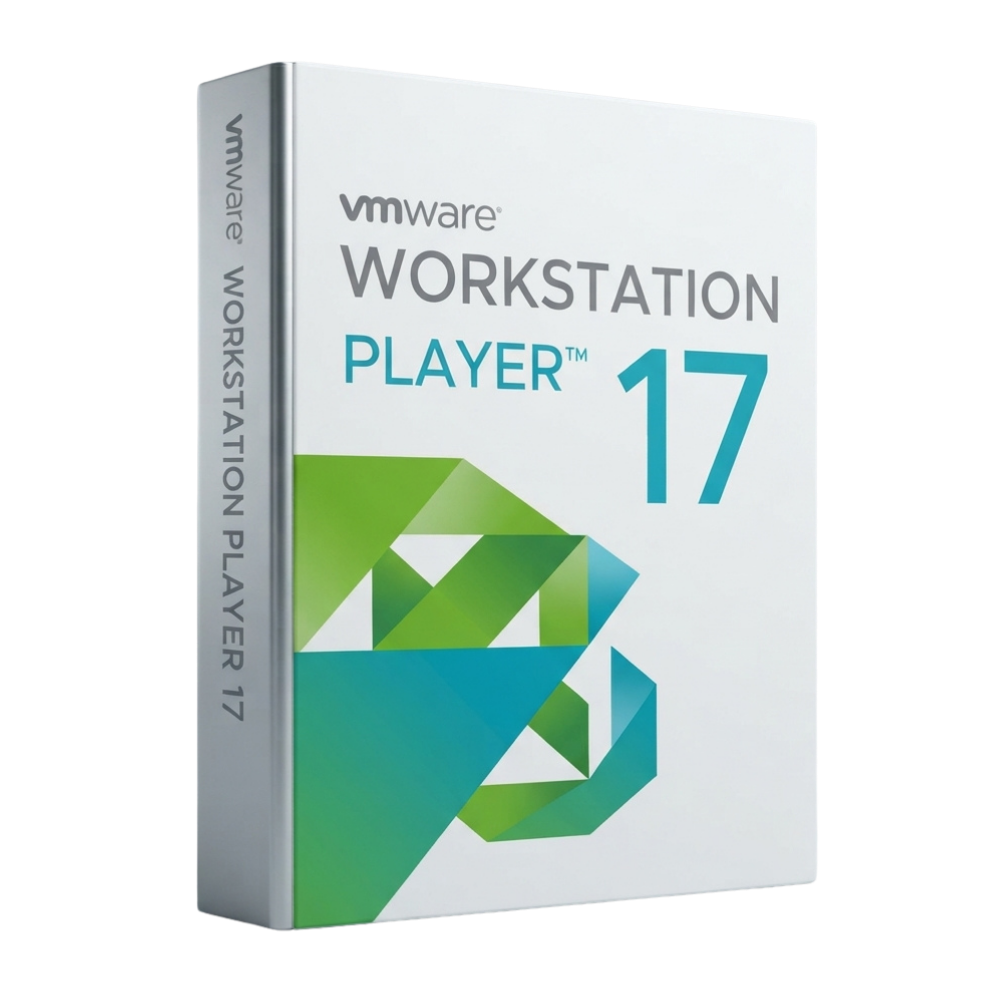
VMware Workstation Player 17 Perpetual License
VMware Workstation Player 17 is an optimized desktop virtualization application designed to run isolated guest operating systems on a single PC. Pay once to acquire a fully compliant commercial key without ongoing subscription fees.
License
Lifetime Access
Usage Type
Commercial & Enterprise
Device Limit
1 PC / User
Delivery
Instant, by email
Streamlined Desktop Virtualization
VMware Workstation Player 17 allows IT professionals, educators, and businesses to deploy secondary operating systems or restricted corporate desktops seamlessly. Effortlessly run legacy software, test Linux environments, or manage containerized workloads alongside your host Windows or Linux OS.
Commercial Compliance
Windows 11 & 10 Support
8GB vGPU Memory
vctl Container CLI
Windows 11 & 10 Support
8GB vGPU Memory
vctl Container CLI
Please read before buying
This product is a commercial license key for VMware Workstation Player 17. Purchasing this license fulfills EULA compliance for commercial and corporate environments. Note that Workstation Player is streamlined for single VM execution and does not support advanced features like VM snapshots or custom virtual network configuration.
Key Features
01
Commercial EULA Licensing
Unlocks commercial use rights required to legally deploy and operate virtualized desktops within enterprise and business environments.
02
Broad OS Support
Run Windows 11, Windows 10, modern Linux distributions, or legacy OS environments (such as Windows 7 and XP) on updated hardware.
03
High-Performance 3D Graphics
Leverage DirectX 11 and OpenGL 4.3 rendering with up to 8GB of allocated vGPU memory for visual responsiveness inside VMs.
04
Restricted & Encrypted VMs
Run restricted or encrypted virtual machines created in Workstation Pro or Fusion Pro to safeguard sensitive corporate endpoints.
05
Hyper-V & WSL 2 Coexistence
Operate seamlessly alongside Windows security features like Device Guard, Credential Guard, Hyper-V mode, and WSL 2.
06
Container & Kubernetes Engine
Utilize the integrated vctl CLI to build, pull, run, and manage OCI containers and local Kubernetes clusters directly on your desktop.
How It Works
1
Place your order
Complete checkout on DLkeys.
2
Receive your email
Your license key and official download link arrive instantly.
3
Install & activate
Follow the step-by-step setup guide for fast desktop deployment.
Frequently Asked Questions
Why do I need a paid license for VMware Workstation Player?
While Workstation Player is free for personal non-commercial use, running the application in a commercial, educational, or corporate environment legally requires a commercial product key.
What is the main difference between Workstation Player and Workstation Pro?
Workstation Player is designed to run a single virtual machine at a time with a streamlined UI. Workstation Pro includes advanced features such as multi-VM management, snapshots, custom virtual networking, and vSphere integration.
Is this a one-time purchase or a subscription?
This is a one-time perpetual license. You pay once to activate Workstation Player 17 permanently with zero recurring subscription fees.
Who supports installation and activation?
DLkeys provides step-by-step setup documentation and email technical support to ensure successful software activation.
Get compliant desktop virtualization today
Get your lifetime commercial license for VMware Workstation Player 17 from DLkeys and run virtual machines with confidence.
Questions before you buy? Write to Support@DLkeys.com
VMware, VMware Workstation, and VMware Workstation Player are registered trademarks of Broadcom / VMware Inc. DLkeys is an independent software reseller and is not affiliated with, endorsed by, or sponsored by VMware Inc.