
Description
Virtualization & System Tools
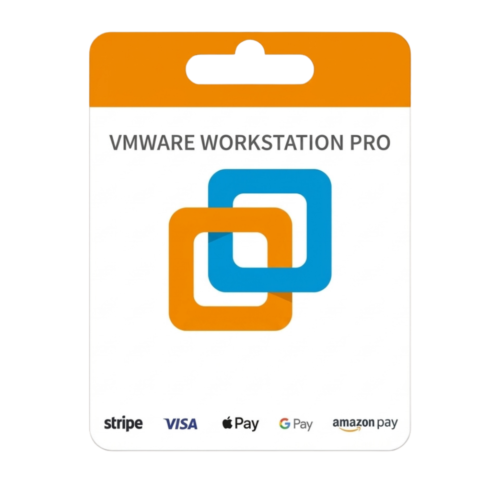
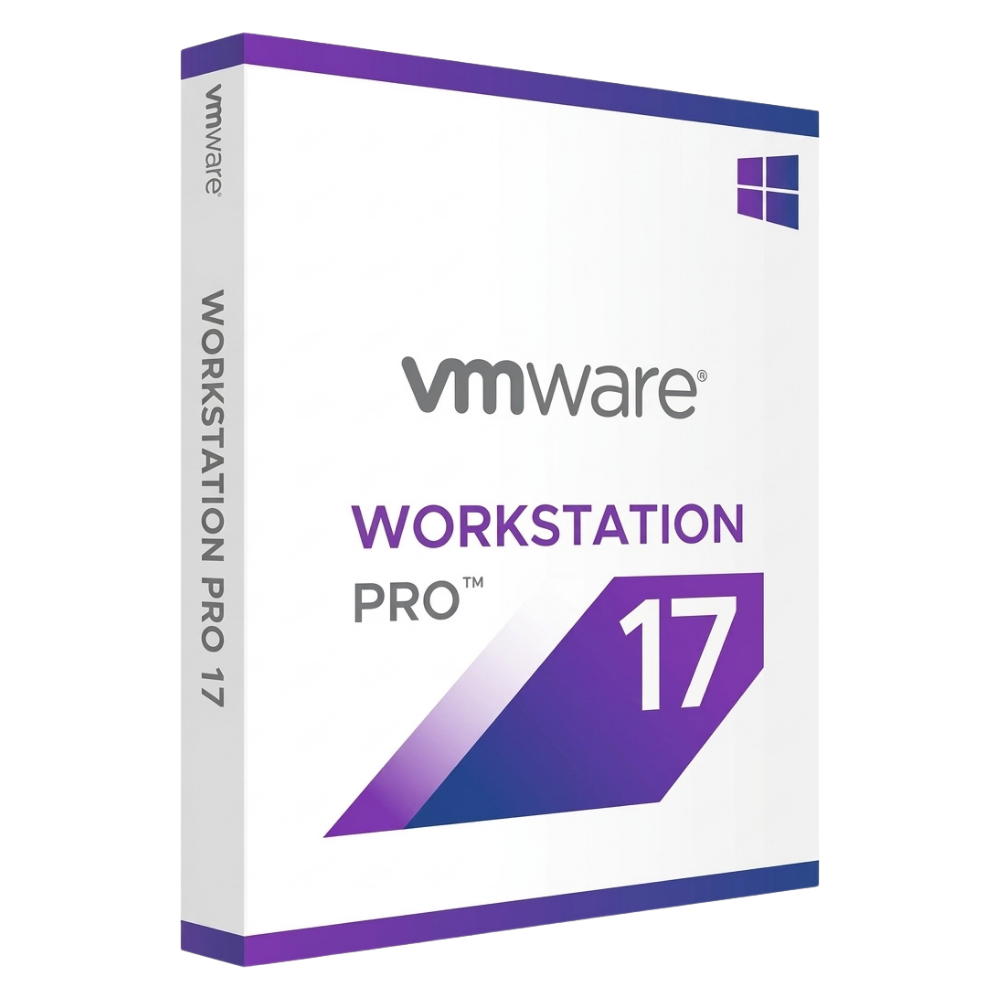
VMware Workstation 17 Pro Perpetual License
VMware Workstation 17 Pro is the industry-leading desktop hypervisor, built for developers, IT pros, and businesses needing to run complex virtual environments, containers, and Kubernetes clusters. Pay once and optimize desktop virtualization without subscription fees.
License
Lifetime Access
Architecture
64-bit Hypervisor
Device Limit
1 PC / User
Delivery
Instant, by email
Next-Generation Desktop Hypervisor
VMware Workstation 17 Pro elevates software development and testing with full support for modern guest OS environments including Windows 11. Run VMs alongside Hyper-V and WSL 2, build container images with vctl, and leverage hardware acceleration directly from local machines.
Windows 11 Ready
8GB vGPU Graphics
OCI Container Support
WSL 2 & Hyper-V Coexistence
8GB vGPU Graphics
OCI Container Support
WSL 2 & Hyper-V Coexistence
Please read before buying
This product is a standalone perpetual license key for VMware Workstation 17 Pro. The activation key provides permanent activation for the Workstation 17 software version directly inside the installed application interface on your local host system.
Key Features
01
Windows 11 PC & VM Support
Fully optimized to run as a host on Windows 11 or run Windows 11 as a virtual machine with virtual TPM module support.
02
Enhanced 3D Graphics
Supports DirectX 11 and up to 8GB of shared vGPU graphics memory for seamless rendering of demanding 3D applications.
03
Containers & Kubernetes
Build, run, pull, and push OCI container images or manage local Kubernetes clusters using the built-in vctl CLI engine.
04
Hyper-V & WSL 2 Coexistence
Run Workstation 17 Pro VMs and container engines simultaneously alongside Hyper-V and Windows Subsystem for Linux (WSL 2).
05
Advanced Security & Encryption
Protect system integrity by securing virtual machines with full or fast encryption alongside restricted guest access controls.
06
Snapshots, Clones & Networks
Create quick restore points with snapshots, generate full or linked clones, and build custom virtual networks for advanced testing.
How It Works
1
Place your order
Complete checkout on DLkeys.
2
Receive your email
Your license key and official download link arrive instantly.
3
Install & activate
Follow the step-by-step setup guide for fast desktop deployment.
Frequently Asked Questions
Is this a subscription or a one-time purchase?
This is a one-time activation license. You pay once to install and use VMware Workstation 17 Pro permanently with zero recurring subscription fees.
Can I run Windows 11 as a virtual machine in Workstation 17 Pro?
Yes. VMware Workstation 17 Pro fully supports Windows 11 both as a host operating system and as a virtual machine with integrated virtual TPM (vTPM) capabilities.
Does Workstation 17 Pro support running containerized workloads?
Yes. Using the built-in vctl command-line interface, you can build, pull, run, and manage OCI container images as well as local Kubernetes clusters.
Who supports installation and activation?
DLkeys provides step-by-step setup documentation and email technical support to ensure successful software activation.
Elevate your desktop virtualization today
Get your lifetime license for VMware Workstation 17 Pro from DLkeys and run powerful virtual machines on your PC.
Questions before you buy? Write to Support@DLkeys.com
VMware and VMware Workstation Pro are registered trademarks of Broadcom / VMware Inc. DLkeys is an independent software reseller and is not affiliated with, endorsed by, or sponsored by VMware Inc.