
Description
Virtualization & IT Management
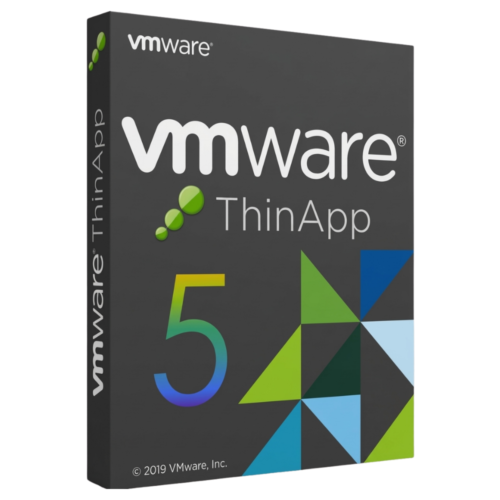
VMware ThinApp 5 Perpetual License
VMware ThinApp 5 accelerates application delivery and simplifies OS migration by packaging applications into isolated, agentless executables. Pay once and optimize application management without recurring software subscription fees.
License
Lifetime Access
Architecture
Agentless Packaging
Device Limit
1 PC / User
Delivery
Instant, by email
Agentless Application Virtualization
VMware ThinApp 5 decouples software from the underlying operating system to eliminate application conflicts, streamline deployment across enterprise endpoints, and support seamless legacy migrations.
App Isolation
OS Migration
Server Consolidation
Zero Client Agents
OS Migration
Server Consolidation
Zero Client Agents
Please read before buying
This product is a standalone perpetual license key for VMware ThinApp 5. It does not require client agent installations on target user machines. Virtualized executable packages are portable and can run from local endpoints or shared network drives.
Key Features
01
Operating System Migrations
Virtualize legacy applications and web tools to keep them running smoothly across modern Windows operating systems without recoding.
02
Server Consolidation
Store multiple applications and user sandbox configuration data securely on the same server without system contamination.
03
Complete Application Isolation
Eliminate software contention by bundling applications and dependencies into standalone executables that deploy effortlessly.
04
Desktop Security Protection
Deploy virtualized ThinApp packages to locked-down PCs so users run essential applications securely without admin rights.
05
App Volumes Integration
Deploy packaged applications standalone or combine them with App Volumes for centralized enterprise desktop management.
06
Agentless Architecture
Eliminate system overhead with self-contained executable packages that run directly without background service agents.
How It Works
1
Place your order
Complete checkout on DLkeys.
2
Receive your email
Your license key and official download link arrive instantly.
3
Install & activate
Follow the step-by-step setup guide for fast application packaging.
Frequently Asked Questions
Is this a subscription or a one-time purchase?
This is a one-time activation license. You pay once to install and use ThinApp 5 permanently with zero recurring fees.
Does ThinApp require client software installed on endpoints?
No. ThinApp uses an agentless architecture. Packaged software runs as a self-contained executable without client installation.
How does application isolation resolve software conflicts?
ThinApp encapsulates applications and their system registry/DLLs into an isolated virtual layer, avoiding interference with other installed software or the host OS.
Who supports installation and activation?
DLkeys provides step-by-step setup documentation and email technical support to ensure successful software activation.
Streamline application virtualization today
Get your lifetime license for VMware ThinApp 5 from DLkeys and simplify application deployment.
Questions before you buy? Write to Support@DLkeys.com
VMware, VMware ThinApp, and App Volumes are registered trademarks of Broadcom / VMware Inc. DLkeys is an independent software reseller and is not affiliated with, endorsed by, or sponsored by VMware Inc.